Installing Bulleur PARFAIT
Installation takes two minutes and needs no administrator rights. Bulleur PARFAIT is new software, so Windows or your browser may show a warning the first time. Here is what to do in each case.
Installation in 4 steps
1. Download the installer
On the home page, click “Download for Windows”. The file BulleurParfait_Setup_1.0.0.exe lands in your Downloads folder.
2. Run the installer
Double-click the file. If Windows asks who to install for, choose “Install for me only”: no administrator password is needed. Follow the wizard to “Finish”. (The installer is currently in French.)
Setup — Bulleur PARFAIT
Select install mode
Install for me only (recommended)1Install for all usersCancel3. Open Bulleur PARFAIT
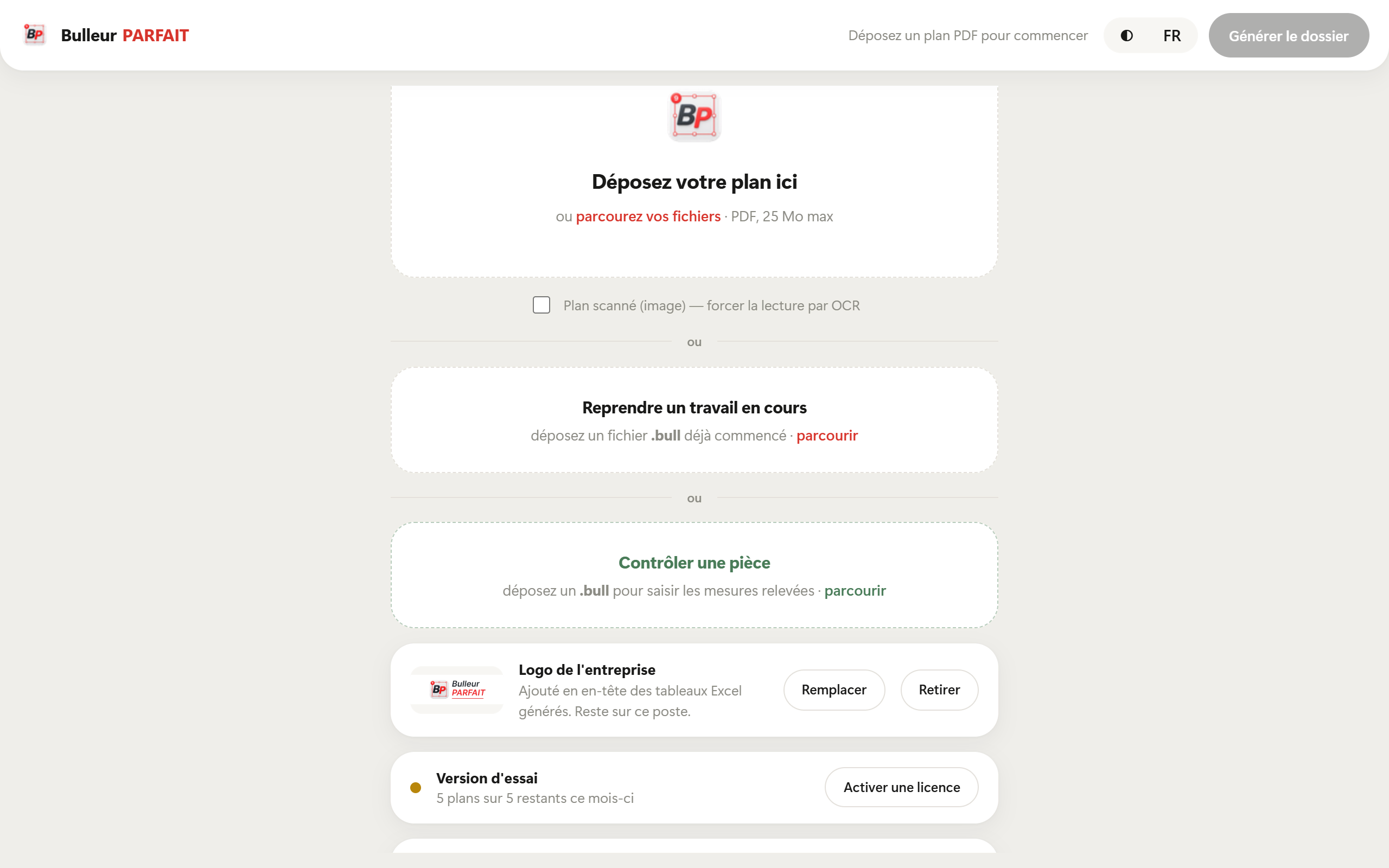
Launch it from the Start menu or the desktop icon. Without a licence it runs as a free trial: 4 drawings, every feature included.
4. Activate your licence (after purchase)
Click “Activate a licence” and paste the key you received by e-mail. Repeat on each computer, up to the number of seats purchased.
Activate a licence1Trial version
4 of 4 drawings left
MXxBOUMzQzFFRXxBdGVsaWVyIER1cG9udHxwZXJwZXR1ZWx8LXwzfDF8…Activate2
Blocked during installation?
Find the message you see, then follow the matching steps.
Microsoft Edge: “… isn't commonly downloaded”
- In the downloads list (top right), hover over the file.
- Click the three dots “…”, then “Keep”.
- In the window that opens, click “Show more”, then “Keep anyway”.
Downloads
BulleurParfait_Setup_1.0.0.exe
isn't commonly downloaded. Make sure you trust this file before you open it.
Delete
Report this file as safe
Make sure you trust this file before you open it.
Google Chrome: “Suspicious file” or “not commonly downloaded”
- Open the downloads list (arrow icon top right, or Ctrl + J).
- Click the file, then “Keep” or “Download suspicious file”.
Recent downloads
BulleurParfait_Setup_1.0.0.exe
Suspicious file blocked
Blue screen “Windows protected your PC”
This is the Windows SmartScreen filter. It appears for software that is not yet widely downloaded, not because a problem was found.
- Click “More info” (link below the text).
- Check that the app is BulleurParfait_Setup_1.0.0.exe.
- Click “Run anyway”.
Windows protected your PC
Microsoft Defender SmartScreen prevented an unrecognised app from starting.
More info1
Windows protected your PC
Microsoft Defender SmartScreen prevented an unrecognised app from starting.
App : BulleurParfait_Setup_1.0.0.exe
Publisher : Unknown publisher
The file disappeared or was quarantined by your antivirus
With the Windows antivirus (Microsoft Defender):
- Open “Windows Security”, then “Virus & threat protection”.
- Click “Protection history” and open the item about BulleurParfait_Setup_1.0.0.exe.
- Click “Actions”, then “Restore” or “Allow on device”.
With another antivirus (Avast, Norton, Kaspersky…), open its quarantine and restore the file, or add an exception. Download the file again from our site if needed.
Windows Security › Virus & threat protection
Protection history
Threat quarantined
BulleurParfait_Setup_1.0.0.exe
Delete
Allow on device
Nothing happens on double-click, or the file is “blocked”
- Right-click BulleurParfait_Setup_1.0.0.exe, then “Properties”.
- At the bottom of the “General” tab, tick “Unblock”, then click “OK”.
- Run the installer again.
Properties — BulleurParfait_Setup_1.0.0.exe
Type : Application (.exe)
This file came from another computer and might be blocked to help protect this computer.
Company computer: “blocked by your administrator”
Your IT department restricts software installation. Send them this information so they can allow it:
- Software: Bulleur PARFAIT, published by MAISON PARFAIT (France).
- Official source: https://bulleurparfait.com (download from telechargement.bulleurparfait.com).
- SHA-256 hash of the installer: shown further down this page.
- Runs 100% locally: drawings never leave the computer. Only licence checks and update checks use the Internet.
The software won't open, or shows a blank window
Bulleur PARFAIT uses Microsoft Edge's display component (WebView2), present on most Windows 10 and 11 PCs. If it is missing:
- Download “Microsoft Edge WebView2 Runtime” from Microsoft (developer.microsoft.com/microsoft-edge/webview2).
- Install it, then restart Bulleur PARFAIT.
Licence: “no seats left” or new computer
- On the old computer, open Bulleur PARFAIT and release the seat: it becomes available again.
- If the old computer is no longer available, e-mail us and we will release the seat for you.
- Offline, the software keeps working for 30 days; connect the computer to the Internet once to continue.
Why these warnings?
Windows and browsers are wary of new or rarely downloaded software by default. The warnings fade as more people install it.
Bulleur PARFAIT contains no adware or malware. To be sure, only download it from bulleurparfait.com and check its hash below.
Check the file is genuine
In your Downloads folder, right-click, choose “Open in Terminal”, then type:
Get-FileHash .\BulleurParfait_Setup_1.0.0.exe
The hash shown must match this one:
15A8235DE22579B9A0A3C16814F780386D73CDB11EE0AF4A0D0E015C18CEB8BD
Still blocked?
E-mail us with the message you see (a screenshot helps a lot) and we will get back to you quickly.
contact@bulleurparfait.com