1 Ø8.5 Read from drawing
Min
8.3
Max
8.7
Zone
B7
Instant reading
Click the dimension, the details fill in
Nominal, min, max and grid zone are read straight from the drawing, even a scanned one. Everything stays editable.
Windows software · 100% local
Click a dimension: Bulleur PARFAIT reads it, works out its tolerances and places the balloon. The ballooned drawing, AS9102 report and inspection plan come out in one click.
Free trial: 4 drawings included, no credit card.
 Bulleur PARFAIT — DEMO-1042-A.pdf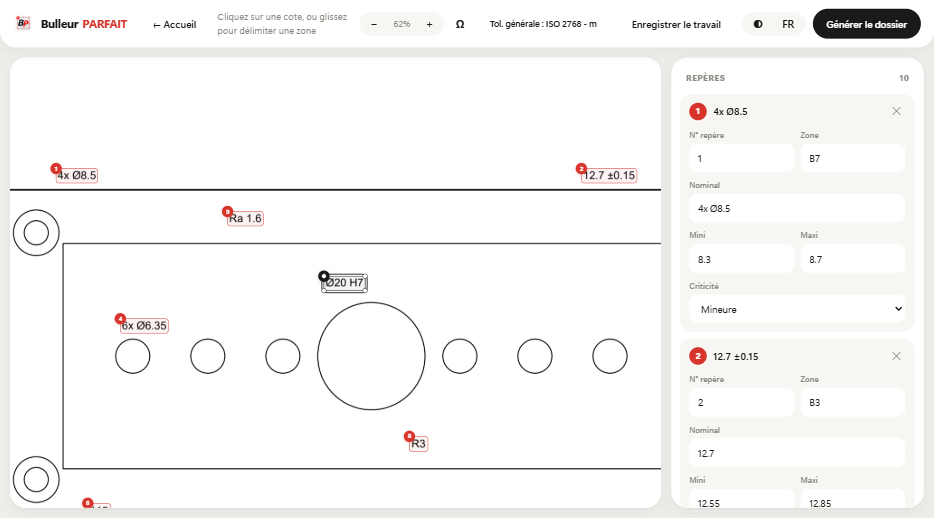
Preparation time
Standards and trades covered
Features
Four actions replace hours of copying between the drawing, Excel and the report.
1 Ø8.5 Read from drawing
Min
8.3
Max
8.7
Zone
B7
Instant reading
Nominal, min, max and grid zone are read straight from the drawing, even a scanned one. Everything stays editable.
General tolerance class
Nominal
50
Min
49.70
Max
50.30
ISO 2768-m · ±0.3
Automatic tolerances
Pick f, m, c or v: untoleranced dimensions get their limits. Or set your own values.
Inspection mode
Enter the measured values: each balloon turns green or red, with the deviation calculated.
DEMO-1042-A
One-click package
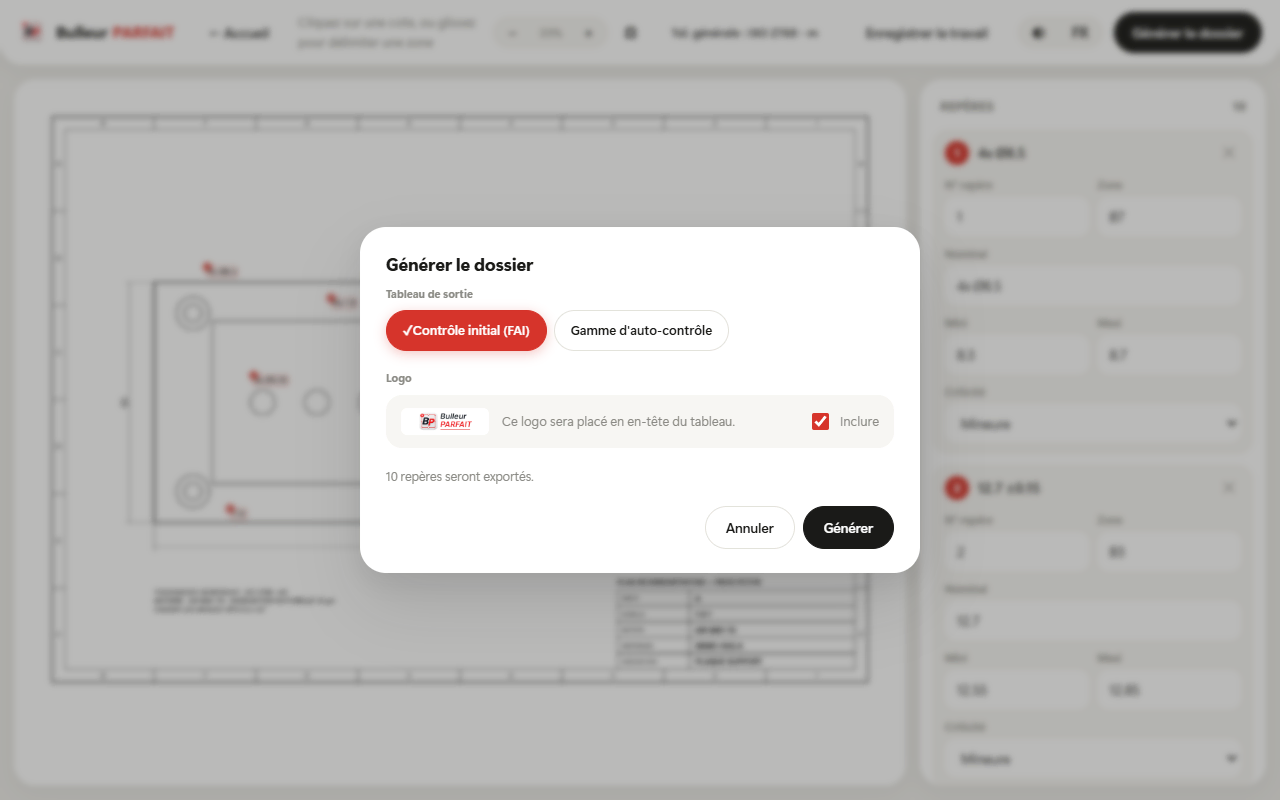
Ballooned PDF drawing, AS9102 Form 3 FAI and inspection plan in Excel, inspection report.
How it works
Vector PDF or scan: drag it into the window. The title block and zone grid are detected automatically.
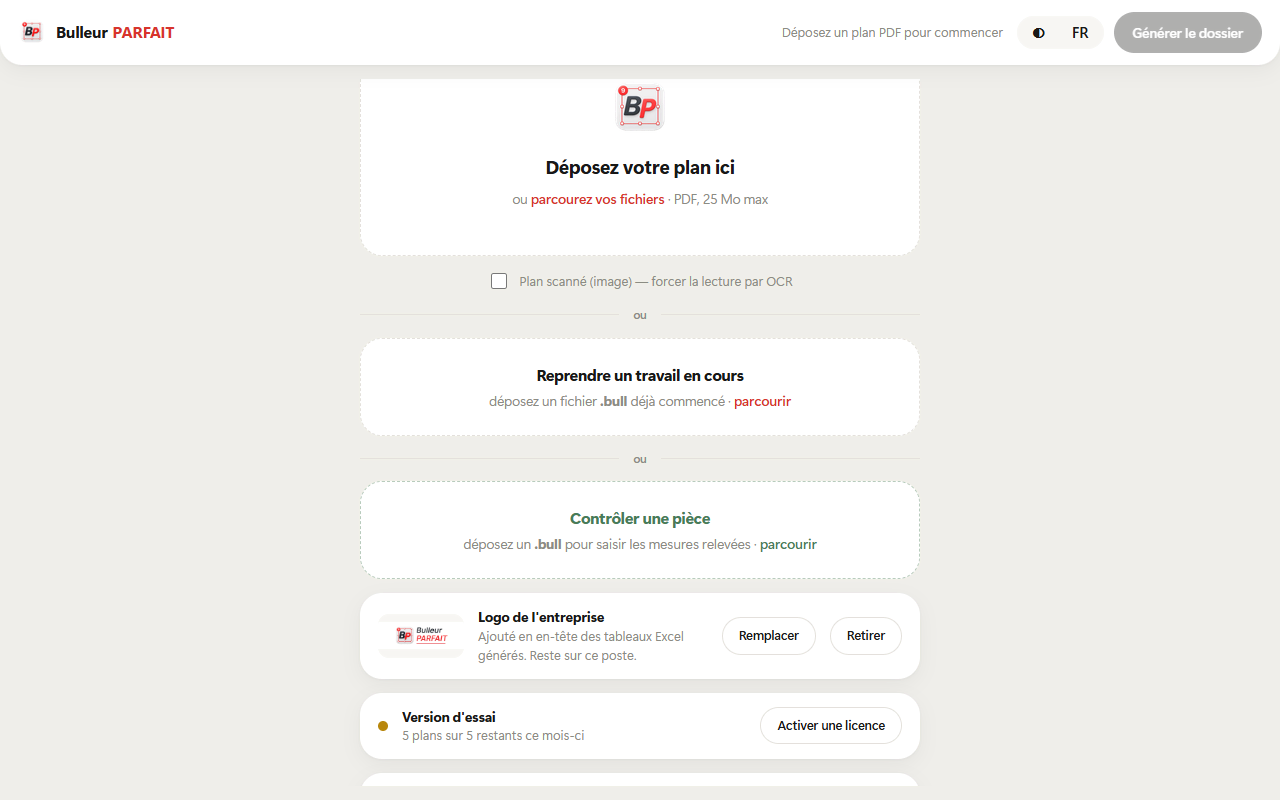
The balloon is placed, the value read and the tolerances calculated. You check, and correct if needed.
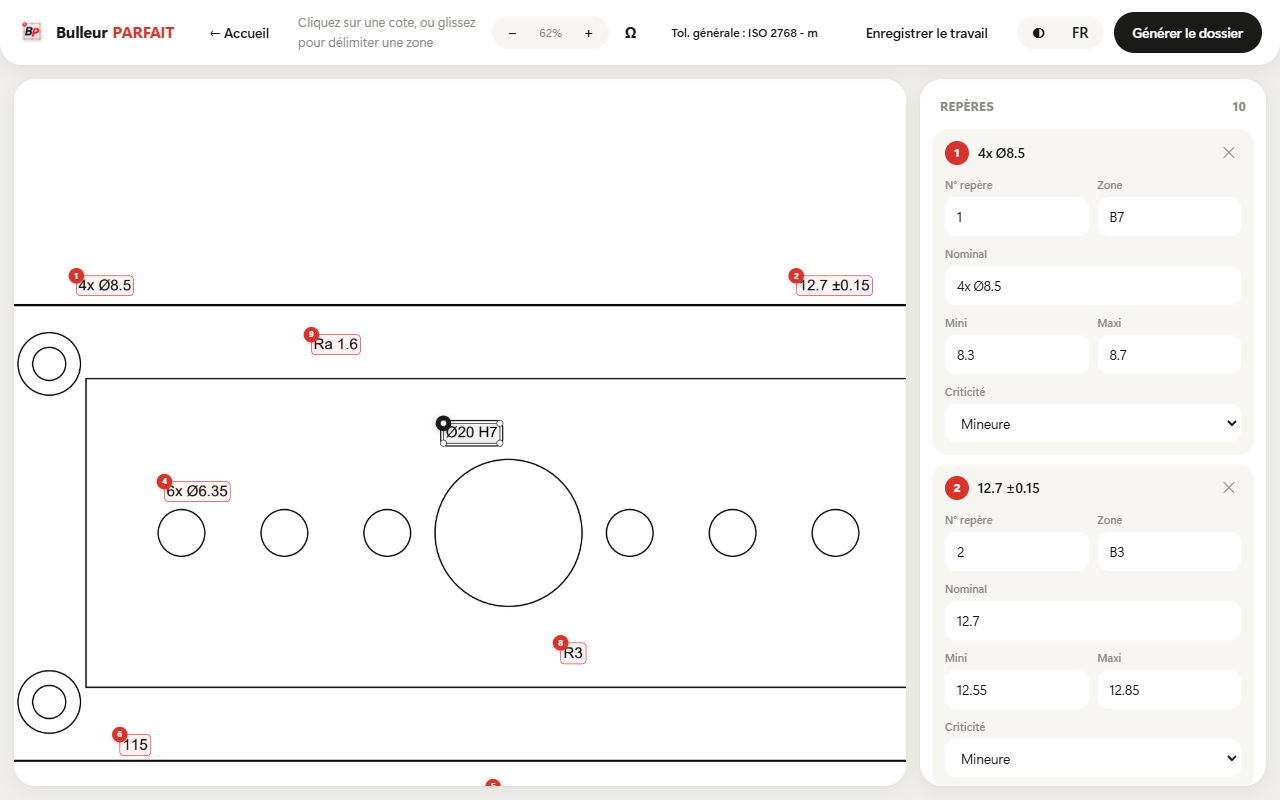
One click produces the ballooned drawing, the FAI report and the inspection plan, saved in one folder.
Trades
Machining
Diameters, bores and chamfers ballooned in series, with ISO 2768 tolerances applied by default.
Sheet metal
Dense drawings and scanned drawings alike: the built-in OCR reads them.
Aerospace
Form 3 filled in balloon by balloon, consistent with the ballooned drawing. Ready for the customer audit.
Automotive
A clear Excel plan for the operator, generated from the same drawing, with no double entry.
Languages
The interface follows the Windows language and switches in one click. Deliverables keep your customer's language.
The light or dark theme follows the computer's setting too.
Pricing
Every feature in every plan. Choose the number of seats and the price adjusts with each seat you add.
€690/ year
that's €690 per seat on average
Price per seat: 1st seat €690 · 2nd–4th €620 · 5th–10th €550 · 11th–25th €490
More than 25 seats? Let's talk about your project
Annual
Billed once a year · 12 months for the price of 10
Annual · 1 seat · €690 / year
Secure payment by Stripe
VAT not applicable, art. 293 B of the French Tax Code
Quick start
A Windows installer, no admin rights needed. The free trial starts right away.
Drag a PDF into the window and click the dimensions to inspect.
Ballooned drawing, FAI and inspection plan are saved next to your drawing.
Windows 10 or 11 · 64-bit · No internet needed to work
FAQ
No. All processing happens on your computer: reading, OCR, tolerance calculation and file generation. No drawing or dimension ever leaves your machine.
PDFs exported from CAD as well as scanned drawings. When a PDF contains no text, the built-in OCR takes over, with nothing to install.
The ballooned PDF drawing, the AS9102 Form 3 FAI report in Excel, the inspection plan in Excel and, in inspection mode, a conformity report.
Toleranced dimensions are read as written on the drawing. For the others, the chosen ISO 2768 class (f, m, c or v) applies. You can also set your own limits.
You receive a key by e-mail. Each computer that enters it uses one seat. To change computers, release the seat from the software, then activate it elsewhere.
Not to work. The software checks the licence online when it can, and keeps working for 30 days offline.
Yes. Without a licence, the software lets you process 4 complete drawings, with every feature. No credit card required.
Unlimited use of version 1.x and one year of updates. Subscriptions include every update and can be cancelled at any time.
Install Bulleur PARFAIT and balloon your next drawing in minutes.